How KOMcierge works
A guide for a new member, before you grant anything on Strava.
What KOMcierge does
KOMcierge finds a KOM or Top-10 in your private or followers-only rides before you publish them.
It reads every segment effort and compares it with the segment's record.
Once a ride is public, it shows the rank Strava reports.
The permissions you grant
KOMcierge asks for three Strava permissions, and each one unlocks different features.
You can decline any of them, and the app then says which features do not work.
Activity read access
Reads your activities, including private ones, and their segment efforts.
If you decline it, KOMcierge reports: Activity read access is missing.
- KOM and Top-10 detection does not work.
- The history walk, automations and Local Legends do not work.
- Climbs and wind from your rides do not work.
- Dashboard placements are not shown.
Write access
Lets KOMcierge change a ride through your rules and write its notes.
If you decline it, KOMcierge reports: Write access is missing.
- Automations cannot change names, sport, gear or commute.
- The KOM and climb notes are not written.
Profile access
Reads your bikes and shoes, which are your equipment at Strava.
If you decline it, KOMcierge reports: Profile access is missing.
- Bikes, shoes, part wear and gear rules do not work.
You can grant a permission again at any time.
Grant permissions againAfter connecting
The first hours can look empty, and that is expected. KOMcierge reads your past rides one after another.
A fresh upload normally waits six hours before it is judged.
The features
Each feature below says what it does, with one invented example.
KOM and Top-10 detection
KOMcierge reads every segment effort and checks it against the segment's record.
Example: a record of 2:31 against your best of 2:38 is seven seconds away, so no KOM.
A rank Strava reports on a public ride names any Top-10 place.
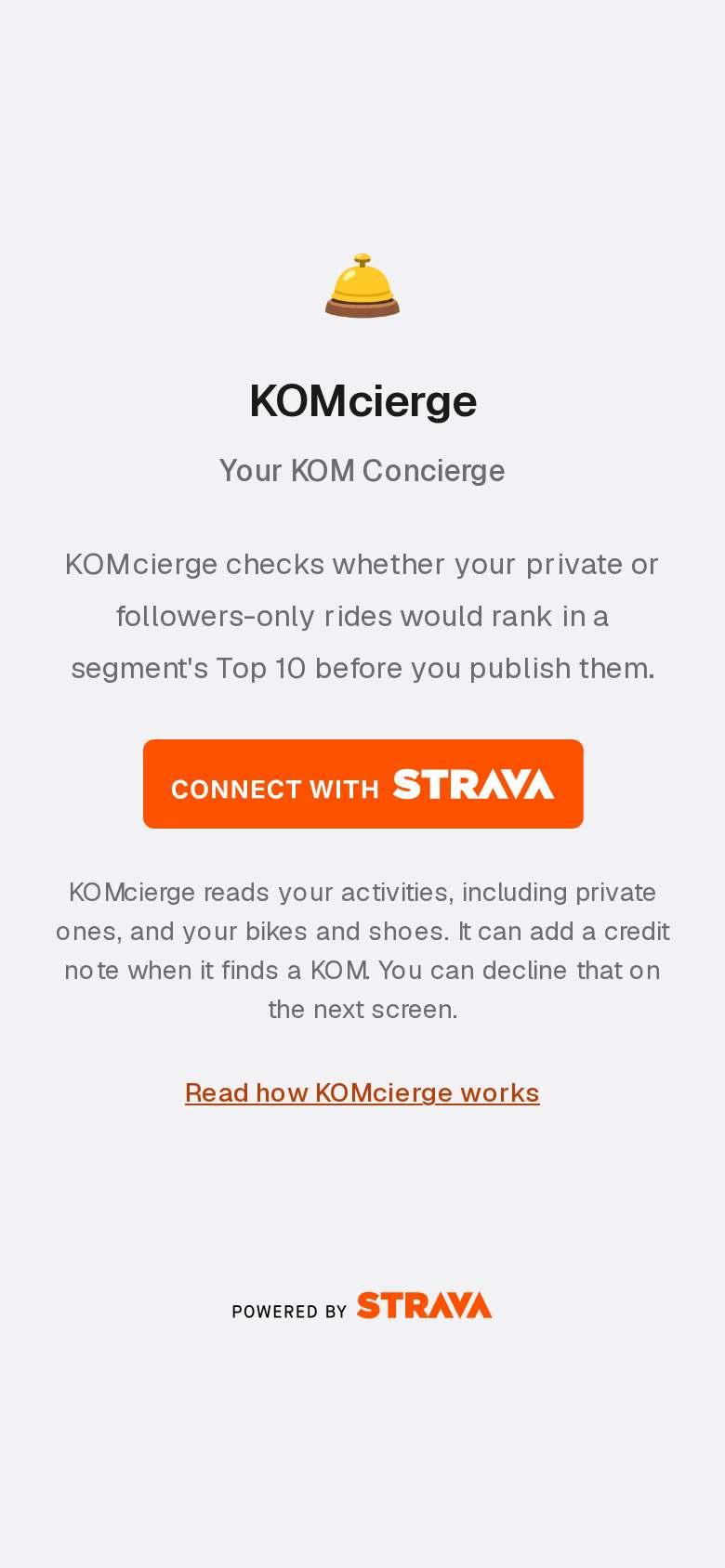
Connect Strava and grant the three permissions KOMcierge asks for.
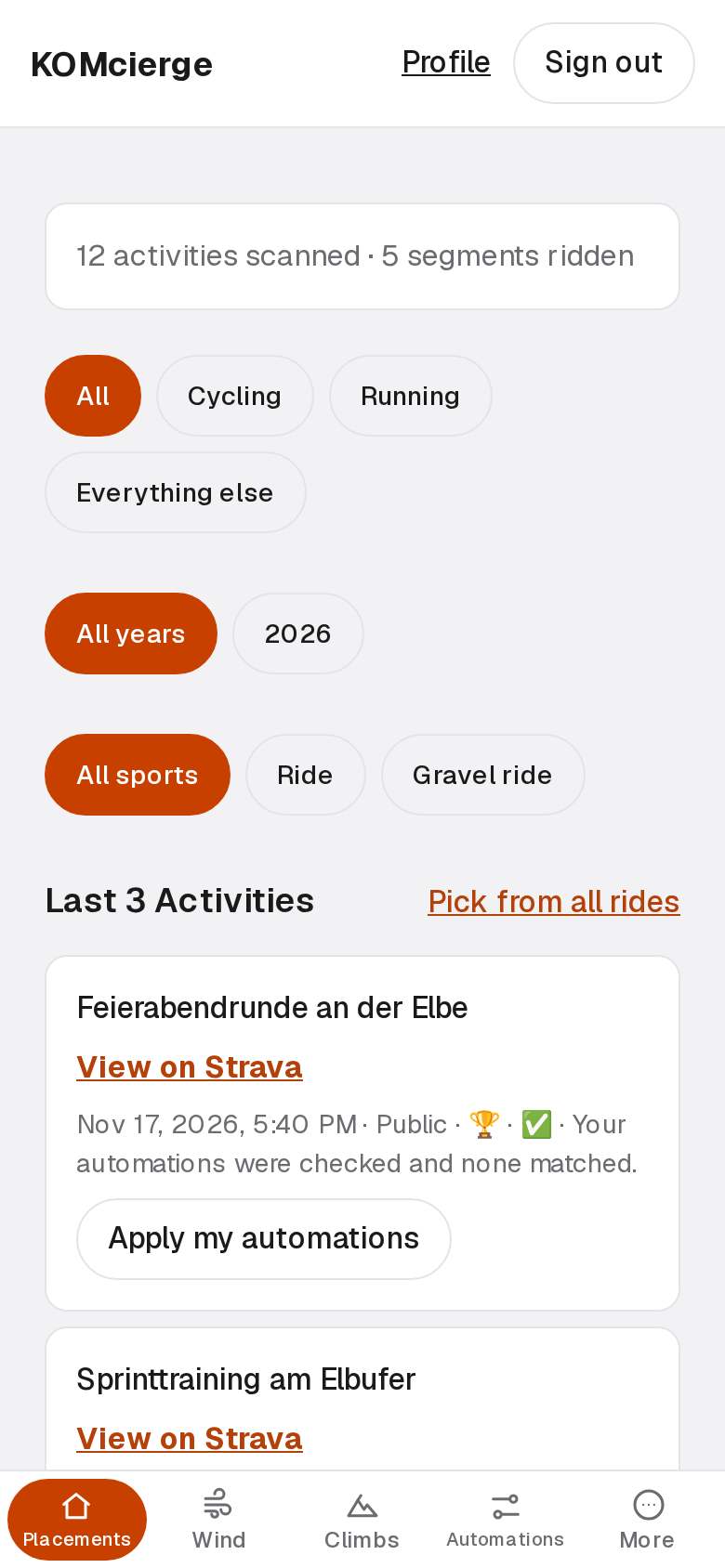
Your dashboard lists each KOM and Top-10 place on your rides.
E-mails
KOMcierge e-mails new placements on rides you have not published, plus placements it estimates.
Example: two estimated placements on one private ride arrive together.
A history walk reports its finds in one summary at the end.
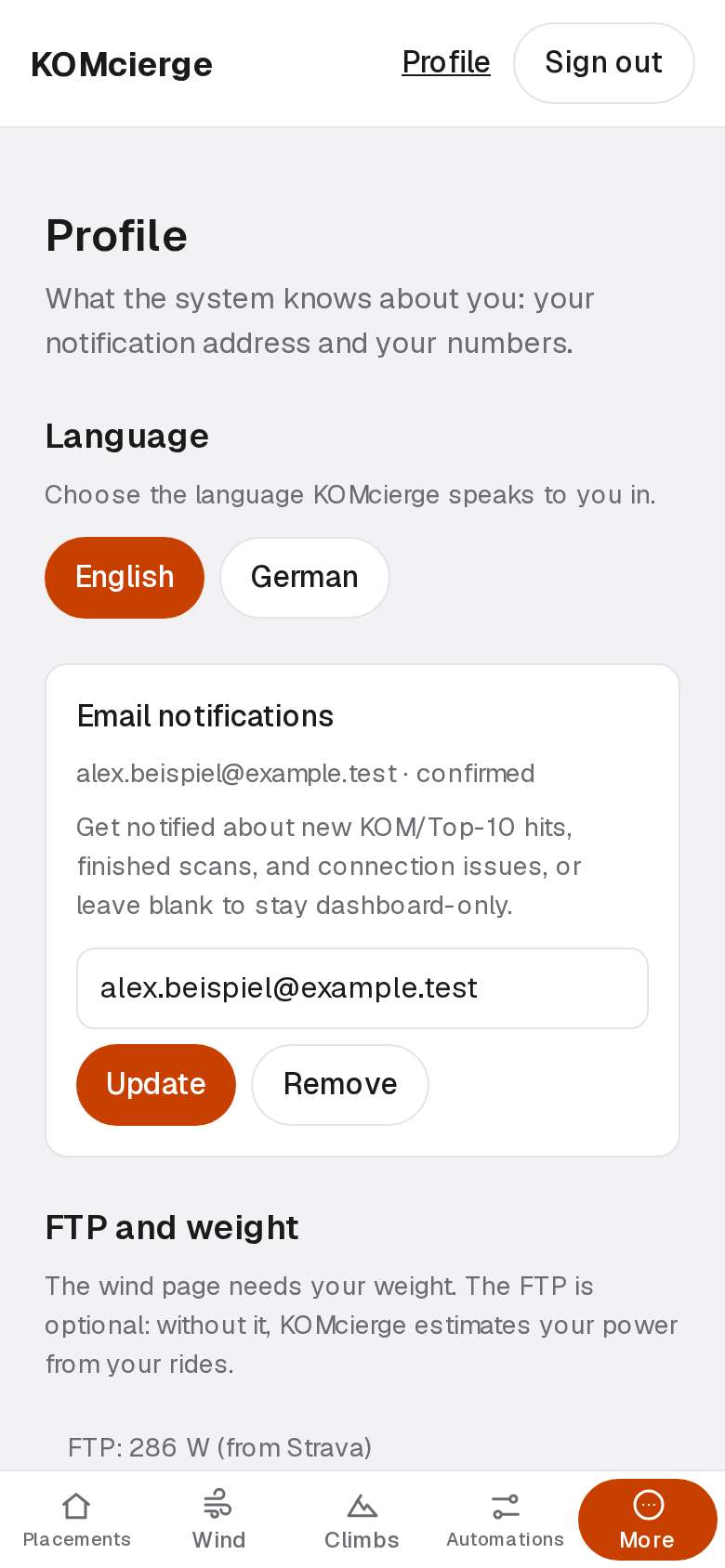
Choose the language your mails are written in on your profile.
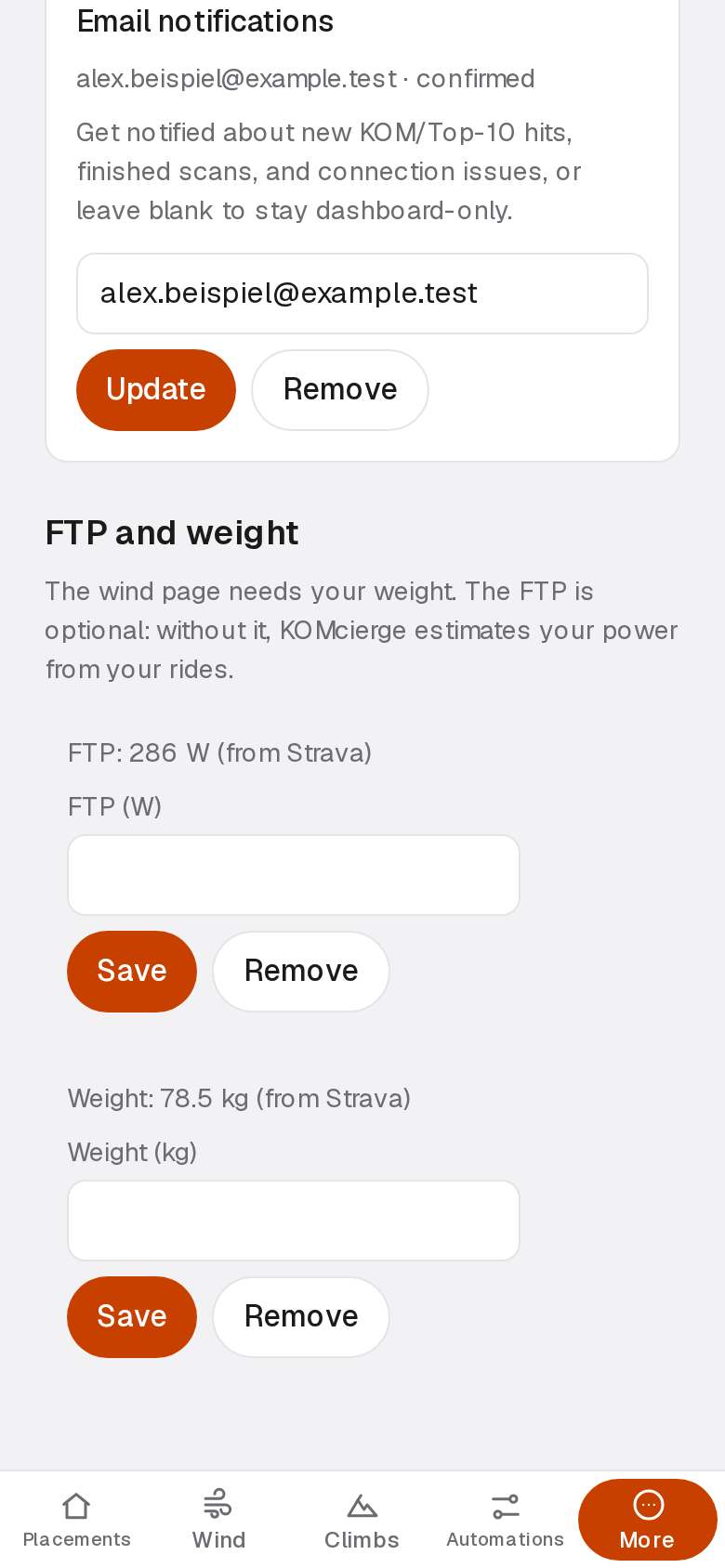
Confirm the address that receives your placement mails.
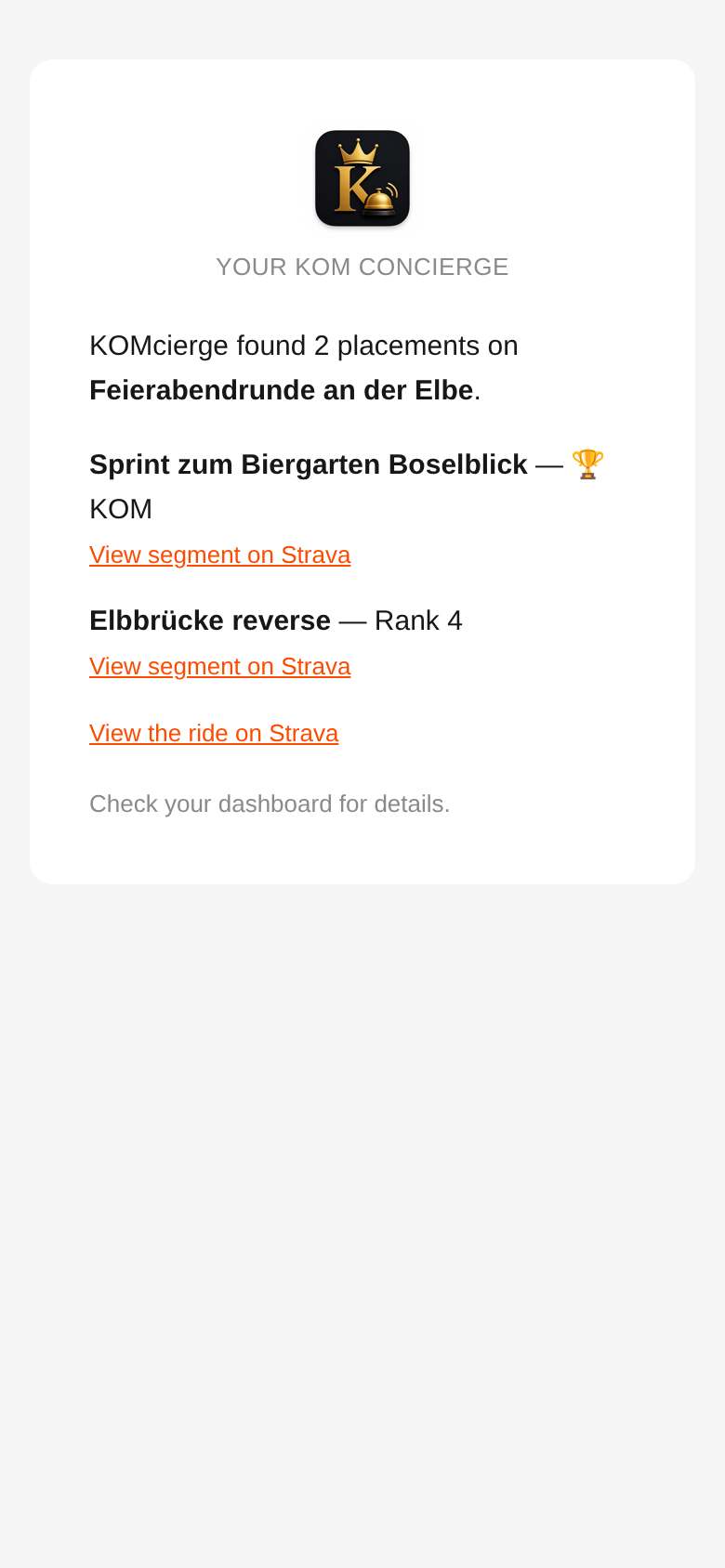
A find arrives as a mail naming the ride and each placement.
Wind
KOMcierge compares a forecast tailwind with the tailwind you need for a segment's record.
Example: a segment needs 12 km/h, the forecast offers 18 km/h, and the margin is 5.
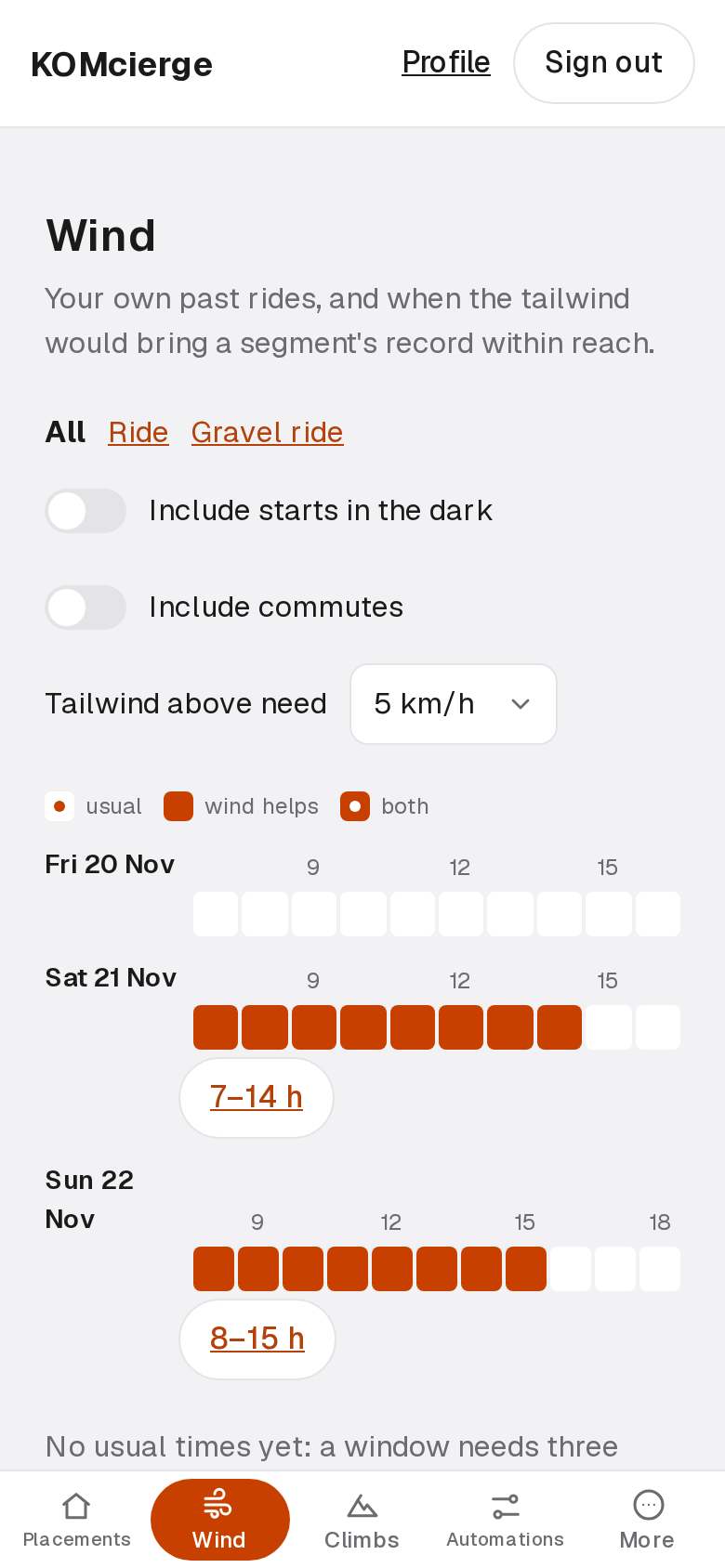
The next days show which rides meet a record with the forecast wind.
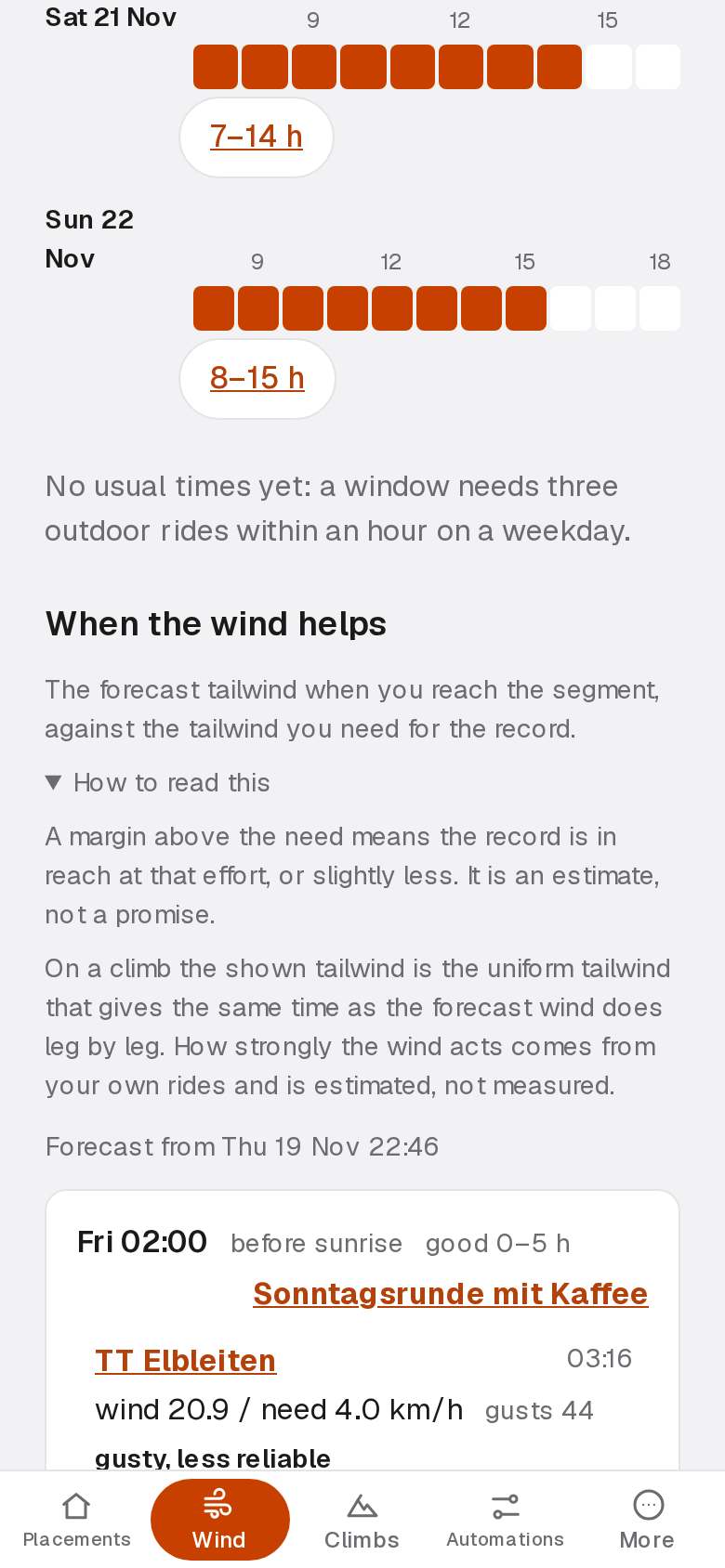
Open a line's explanation to read what the need and the wind mean.
Climbs
KOMcierge lists the catalogue climbs your rides covered from foot to top.
Example: a 4.2 km climb at 6.6 % gains about 280 m.
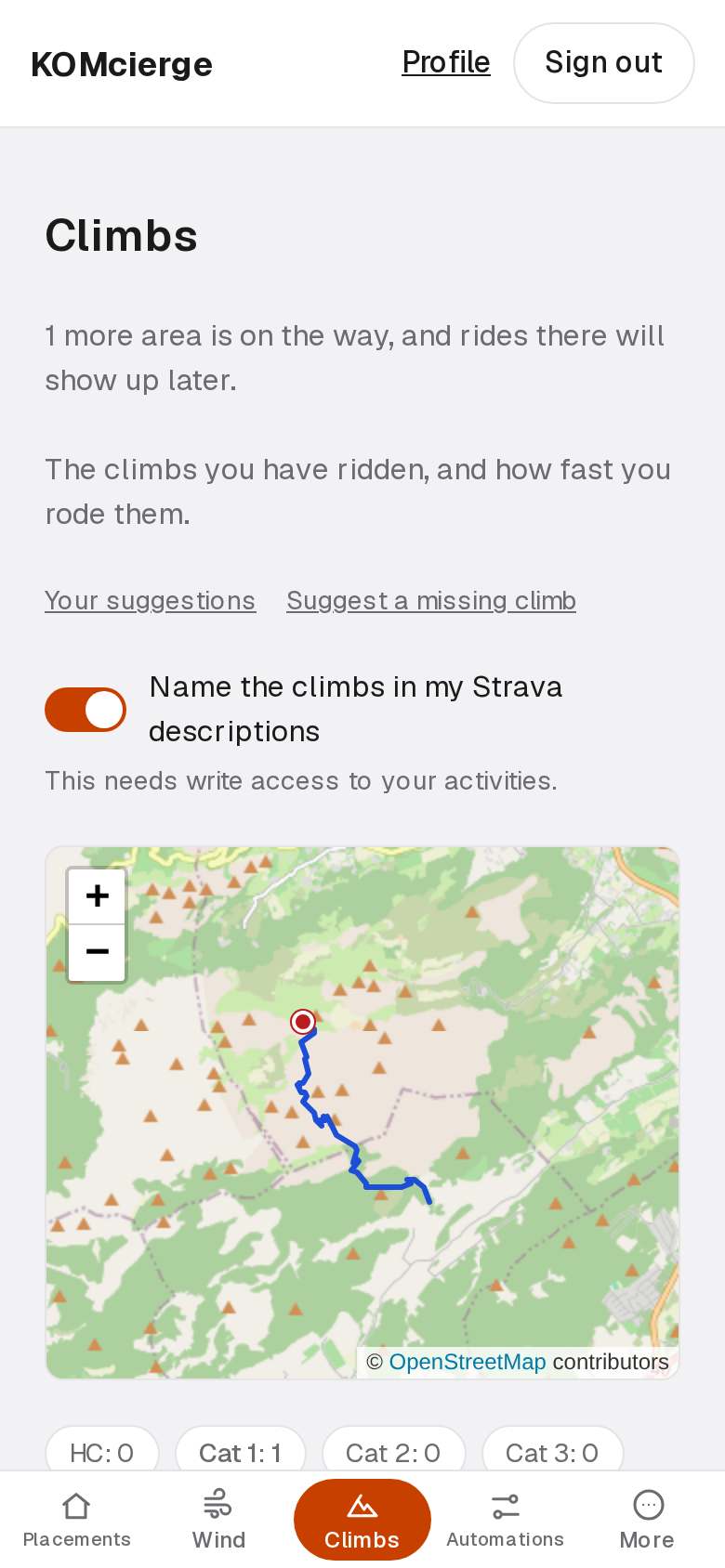
The climbs your rides covered from foot to top, with your best time.
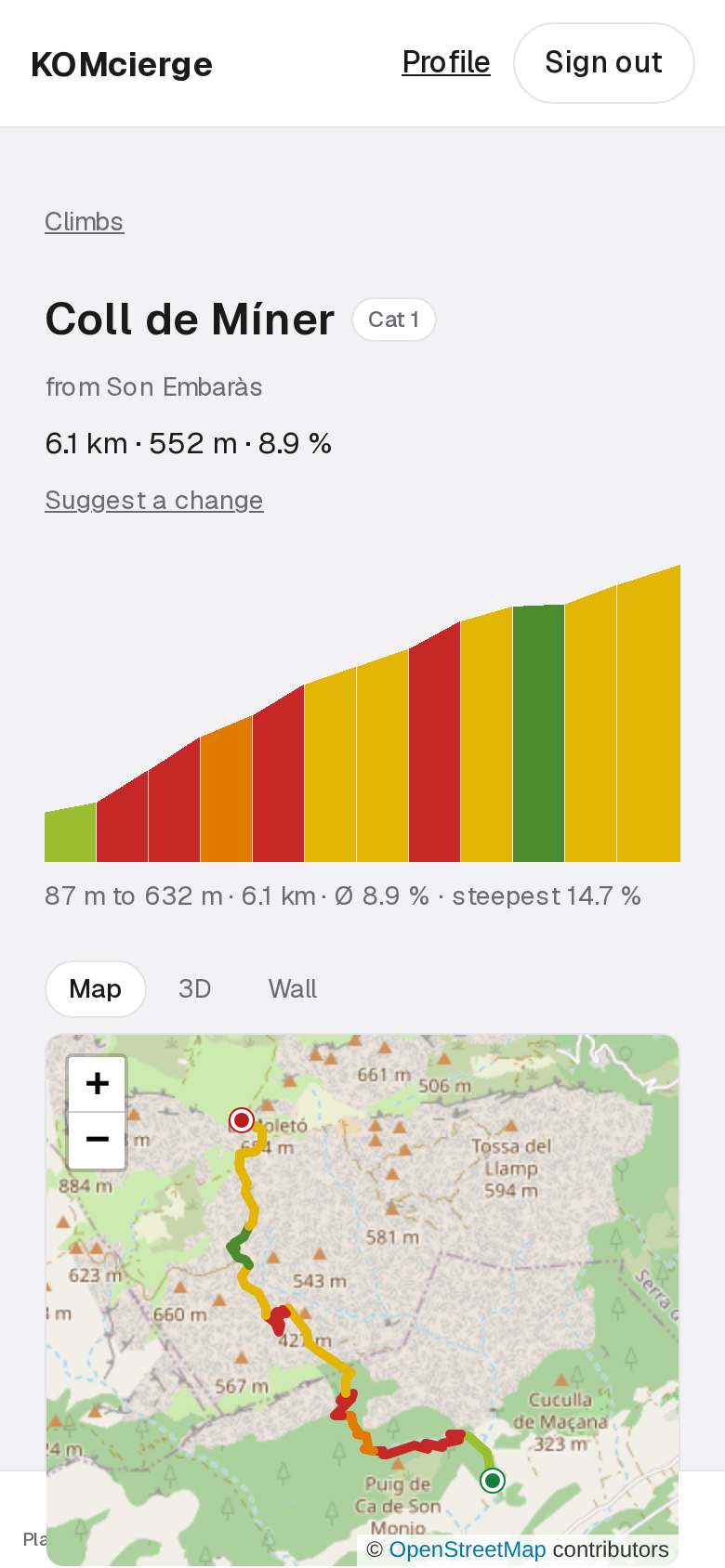
Open a climb to see its profile, its road and your rides.
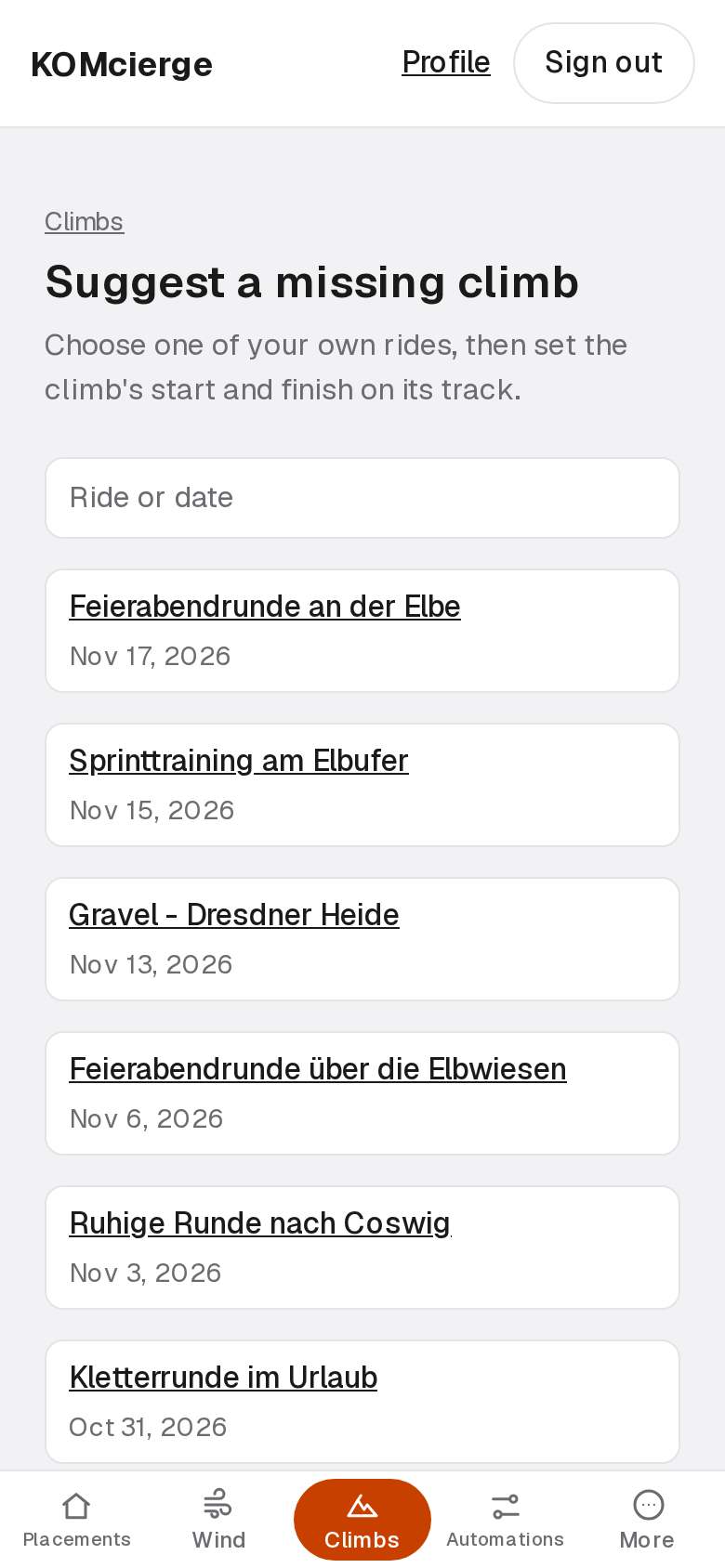
Pick one of your rides to suggest a climb it crossed.
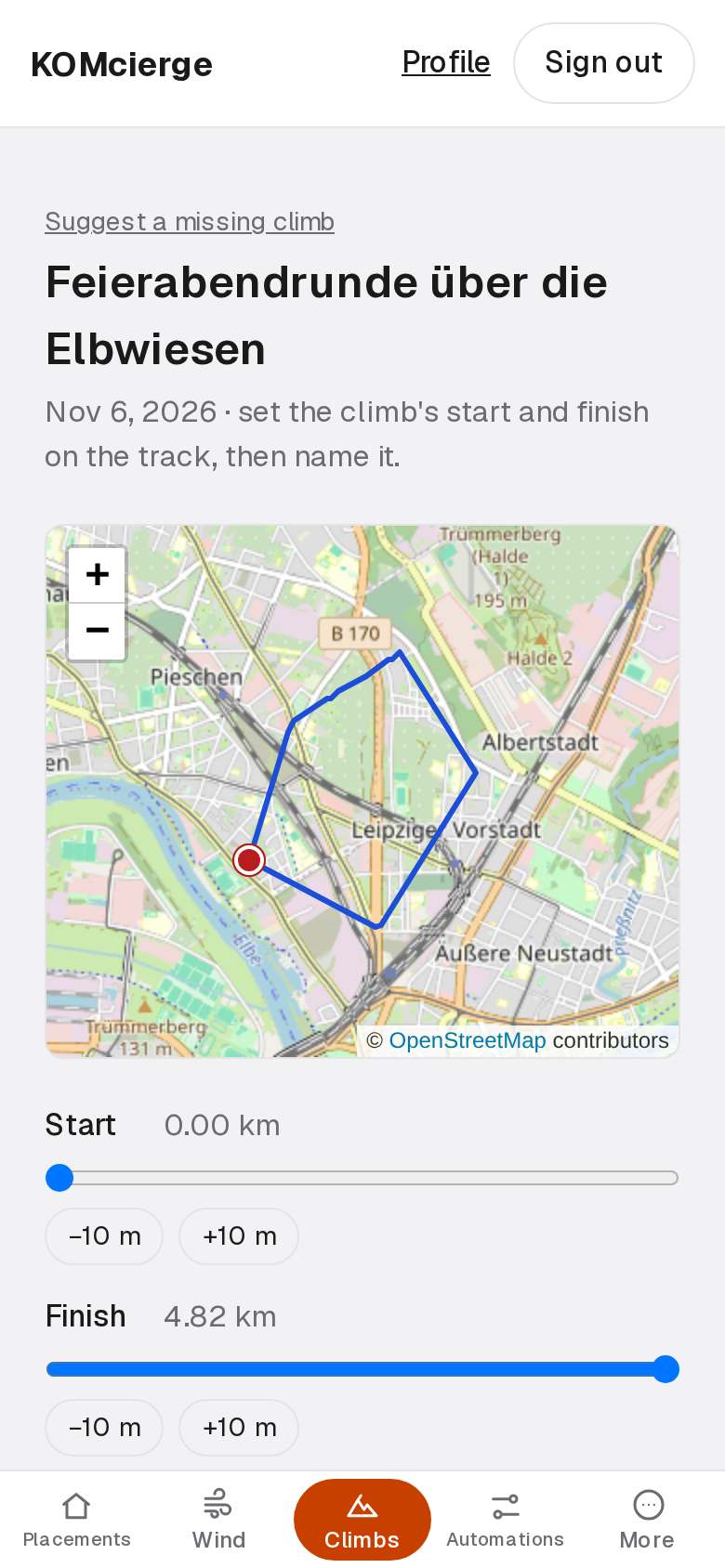
Set the foot and the top on the track, then send the suggestion.
Local Legends
KOMcierge shows where your efforts in 90 days could make you the Local Legend.
Example: 6 efforts in 90 days, public or not, against a leader's 5 would take the title.
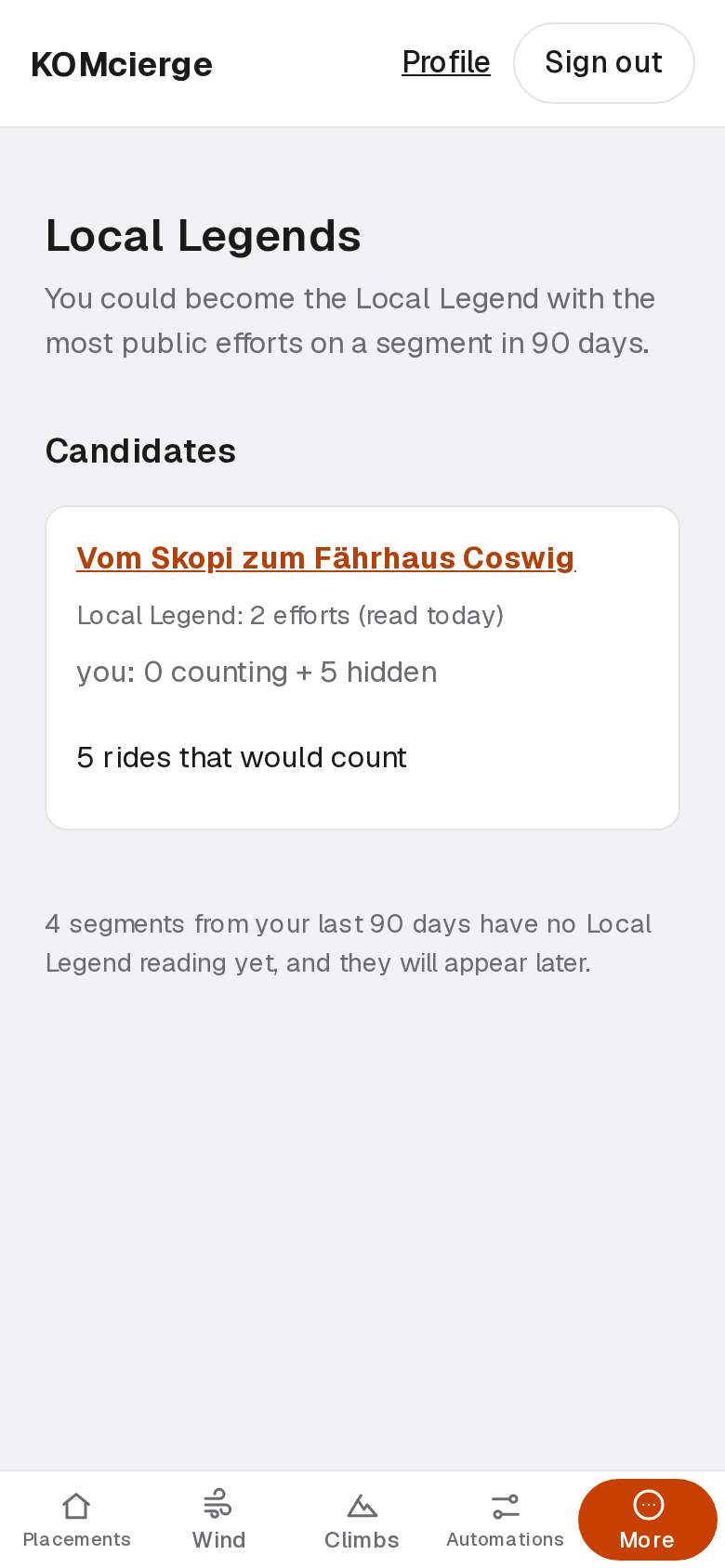
These segments are within reach of a Local Legend title.
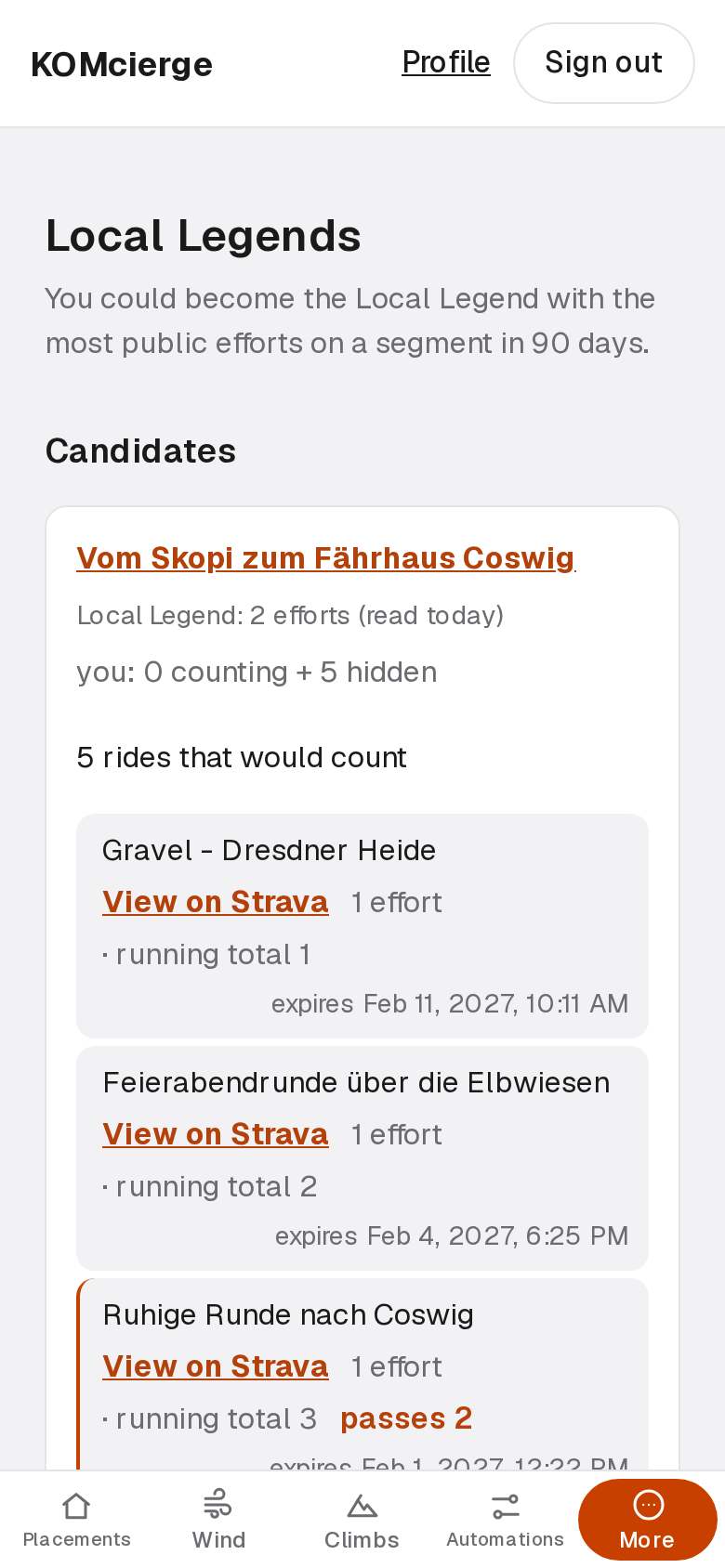
Open a segment's rides to see which count toward the title.
Automations
KOMcierge applies your rules to a ride when you upload it.
Example: a rule renames 12 morning rides and tags them as commutes.
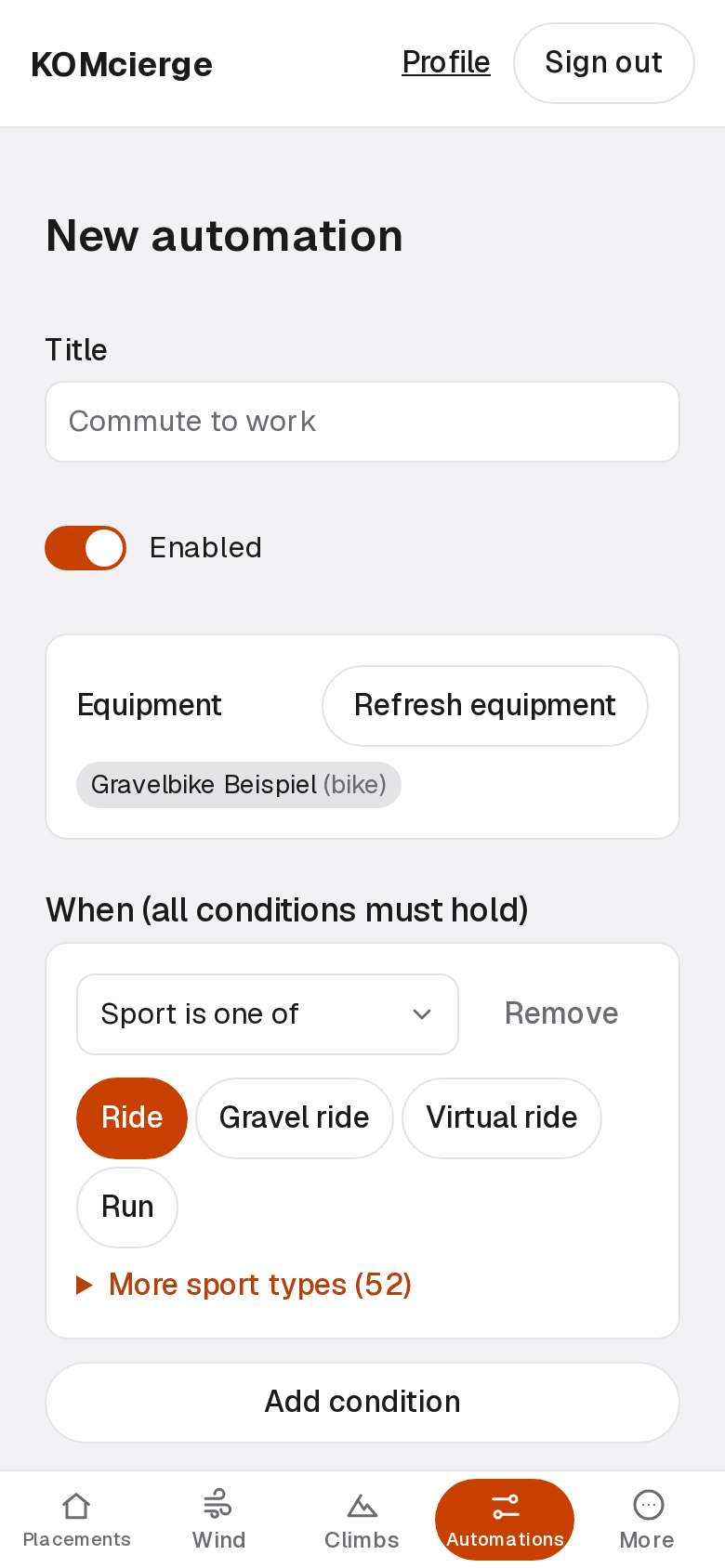
Build a rule: when a ride matches, then change it.
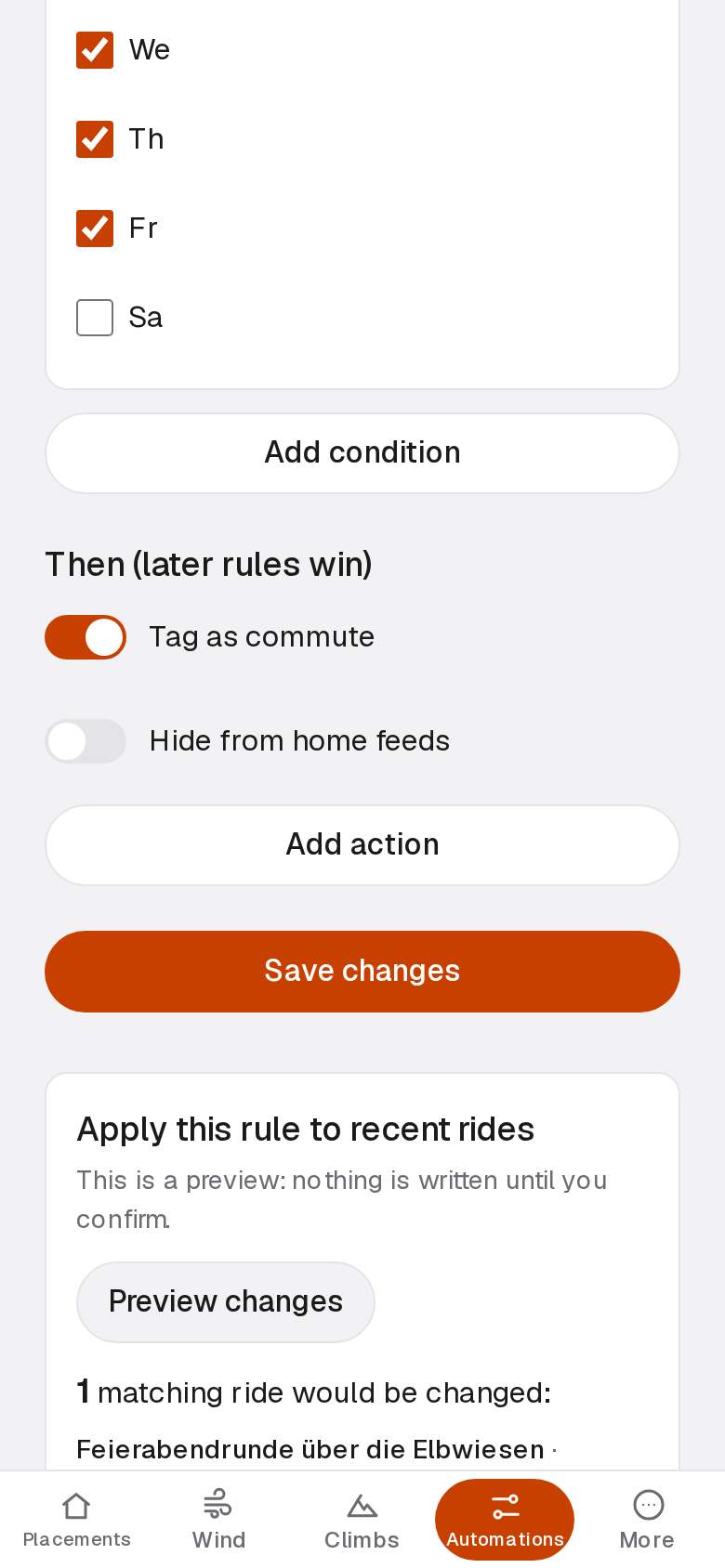
Preview what a saved rule would change on your past rides.
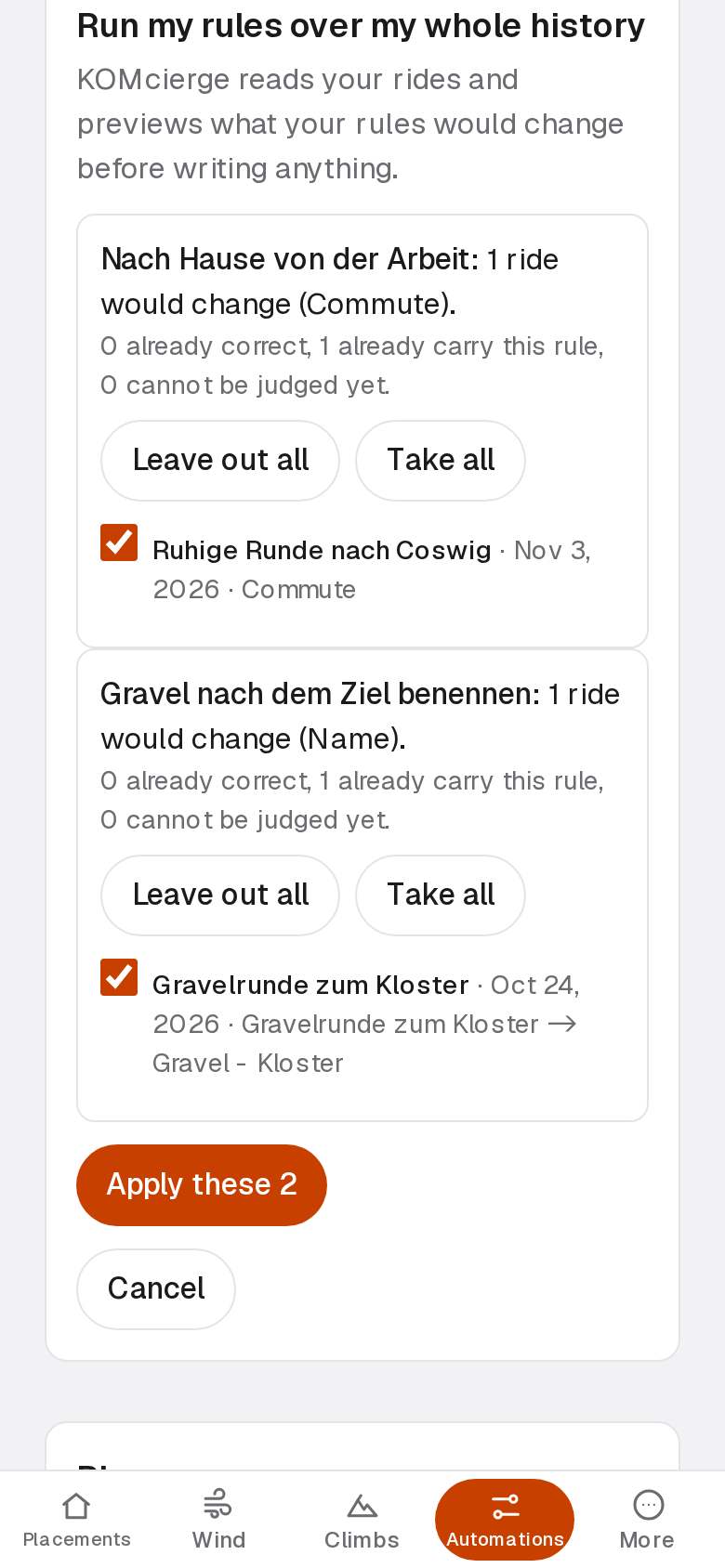
Run your rules over your whole history and confirm the list.
Wear
KOMcierge tracks the distance on your bikes, chains, tyres and shoes.
Example: a chain with a 3,000 km threshold at 2,950 km is 50 km from its warning.
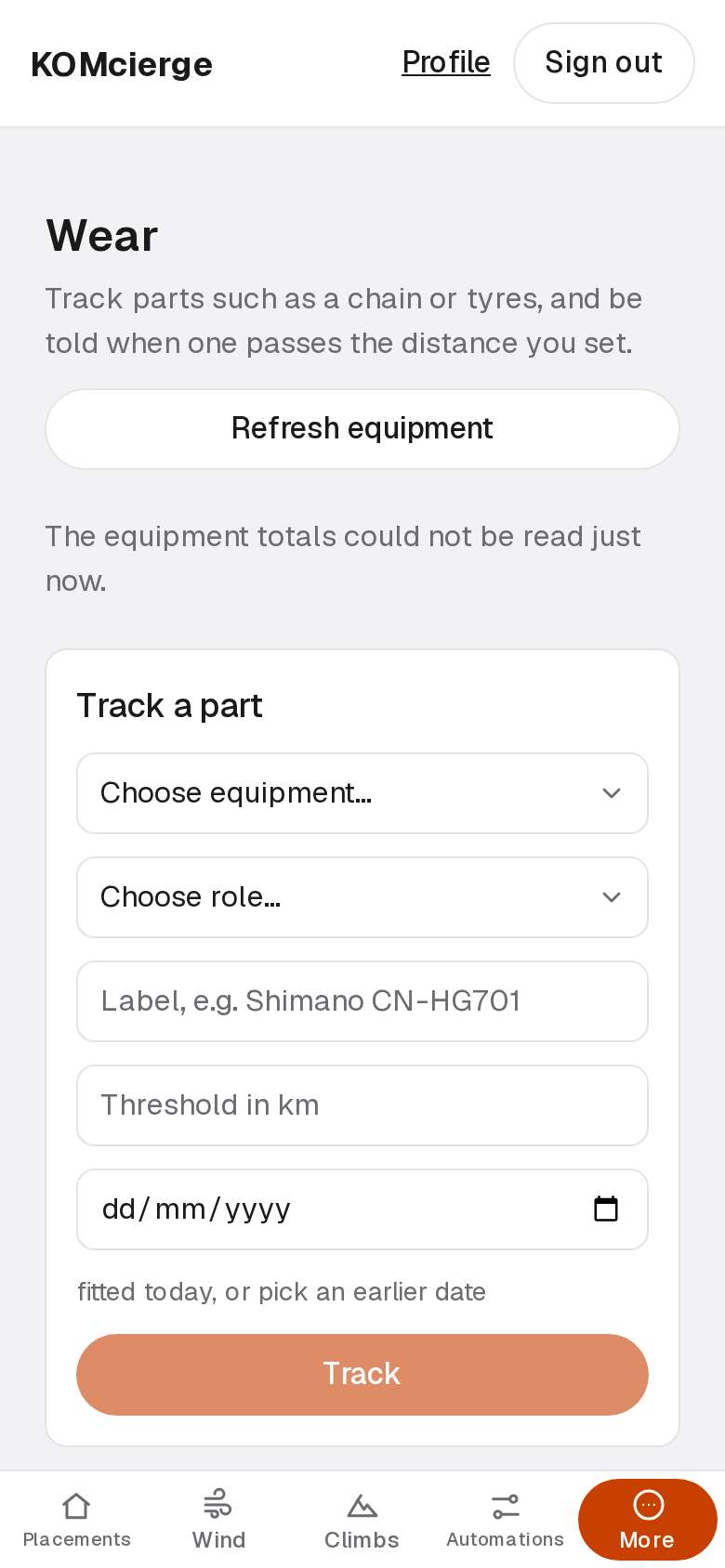
Each tracked part shows the distance it has covered and its threshold.
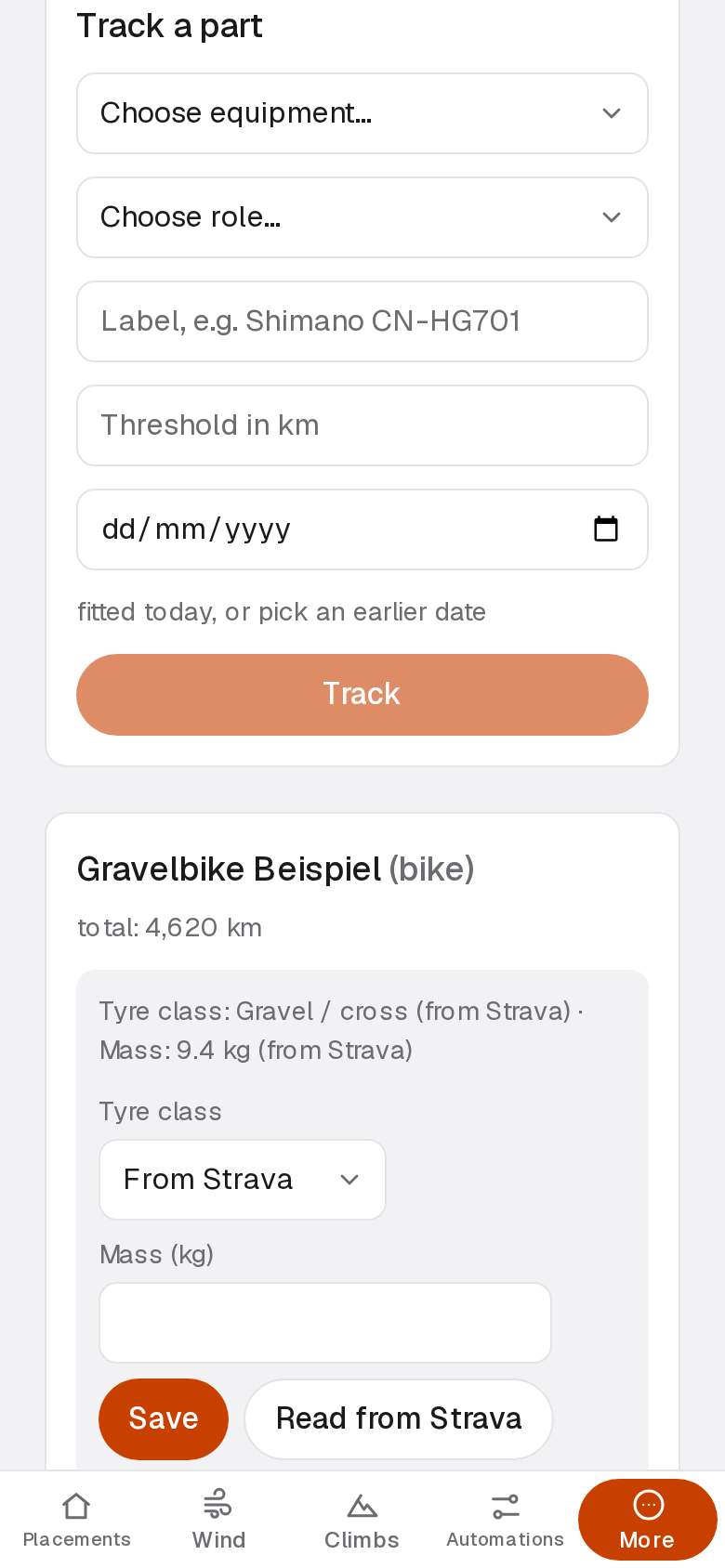
Track a part to start counting its distance from today.
What KOMcierge never does
- KOMcierge reads no leaderboard.
- Only your rules, the climb note and the credit note change Strava.
- The credit note is paused for now.
- KOMcierge sends no rides and no names to the weather service.
- E-mails go through the operator's mail service.
- Nothing else leaves KOMcierge except to Strava.